Using Python Script to Generate Email Addresses
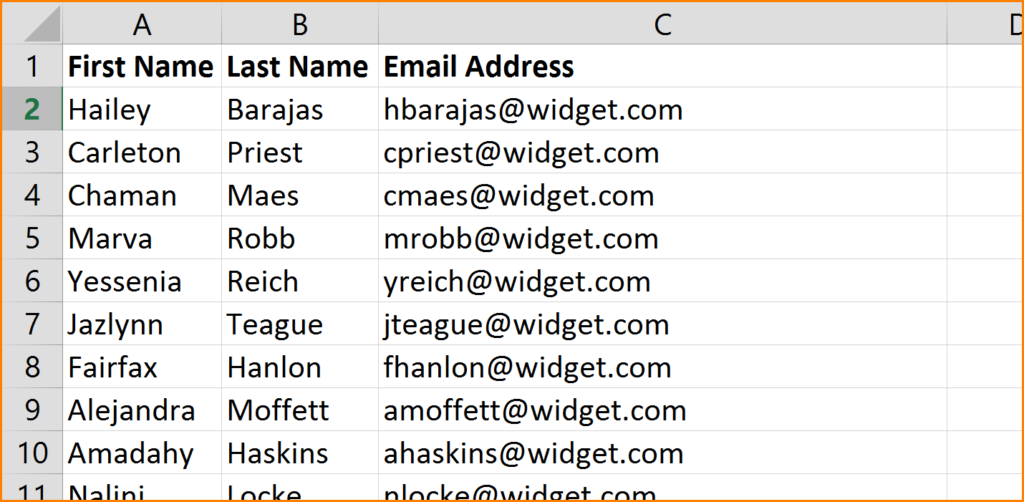
In this activity, you will write a Python script to generate an email address using fields from a CSV file.
Starter file
# @TODO: Your code hereInstructions
- Use
csv.DictReaderto read the contents of a CSV file into a dictionary.- Use the
first_nameandlast_namekeys to create a new email address using the first and last name of the employee. For example,{"first_name": "John", "last_name": "Glenn"}would generate the email:john.glenn@example.com. - Create a new dictionary that includes the
first_name,last_name,ssn, andemail. - Append the new dictionary to a list called
new_employee_data.
- Use the
- Use
csv.DictWriterto output thenew_employee_datato a new CSV file.
Hint
Refer to the documentation for DictReader.
Solution
# -*- coding: UTF-8 -*-
"""Employee Email Script.

This module allows us to create an email address using employee data from
a csv file.

"""
import os
import csv

filepath = os.path.join("Resources", "employees.csv")

new_employee_data = []

# Read data into dictionary and create a new email field
with open(filepath) as csvfile:
    reader = csv.DictReader(csvfile)
    for row in reader:
        first_name = row["first_name"]
        last_name = row["last_name"]
        email = f"{first_name}.{last_name}@example.com"
        new_employee_data.append(
            {
                "first_name": row["first_name"],
                "last_name": row["last_name"],
                "ssn": row["ssn"],
                "email": email
            }
        )

# Grab the filename from the original path
_, filename = os.path.split(filepath)

# Write updated data to csv file
csvpath = os.path.join("output", filename)
with open(csvpath, "w") as csvfile:
    fieldnames = ["last_name", "first_name", "ssn", "email"]
    writer = csv.DictWriter(csvfile, fieldnames=fieldnames)
    writer.writeheader()
    writer.writerows(new_employee_data)


