Introduction to the Command Line
What Is the Command Line?
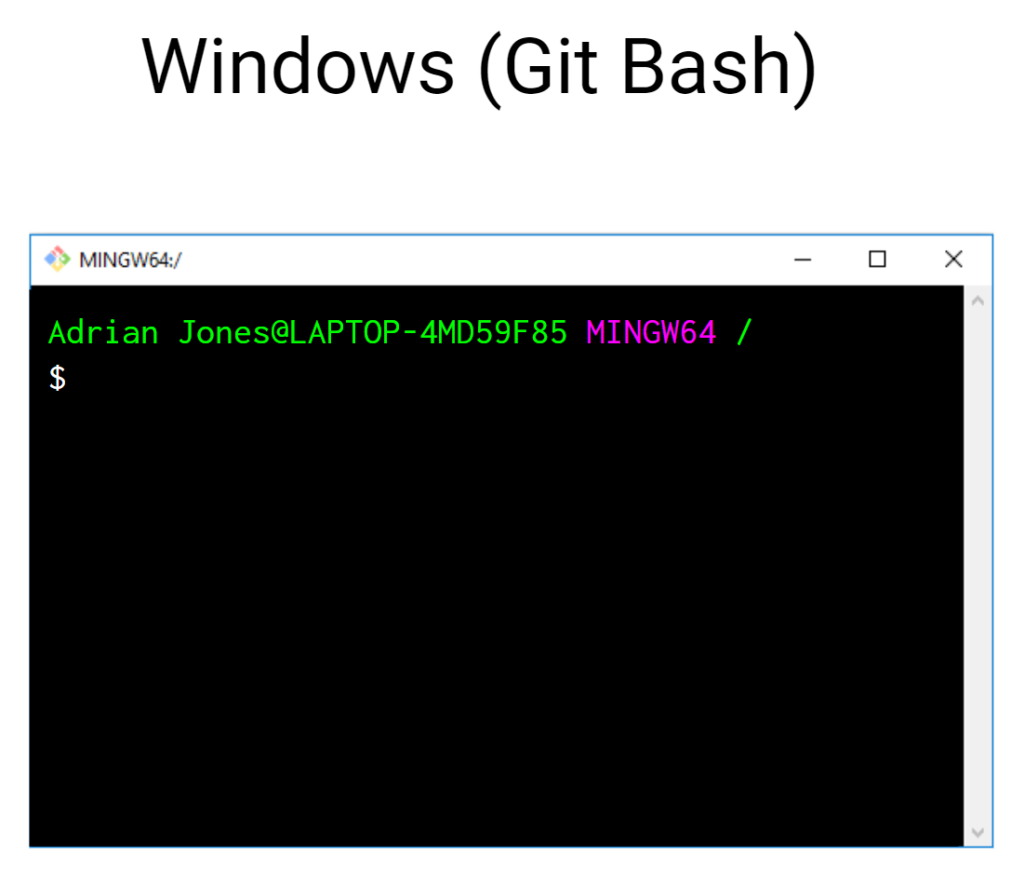
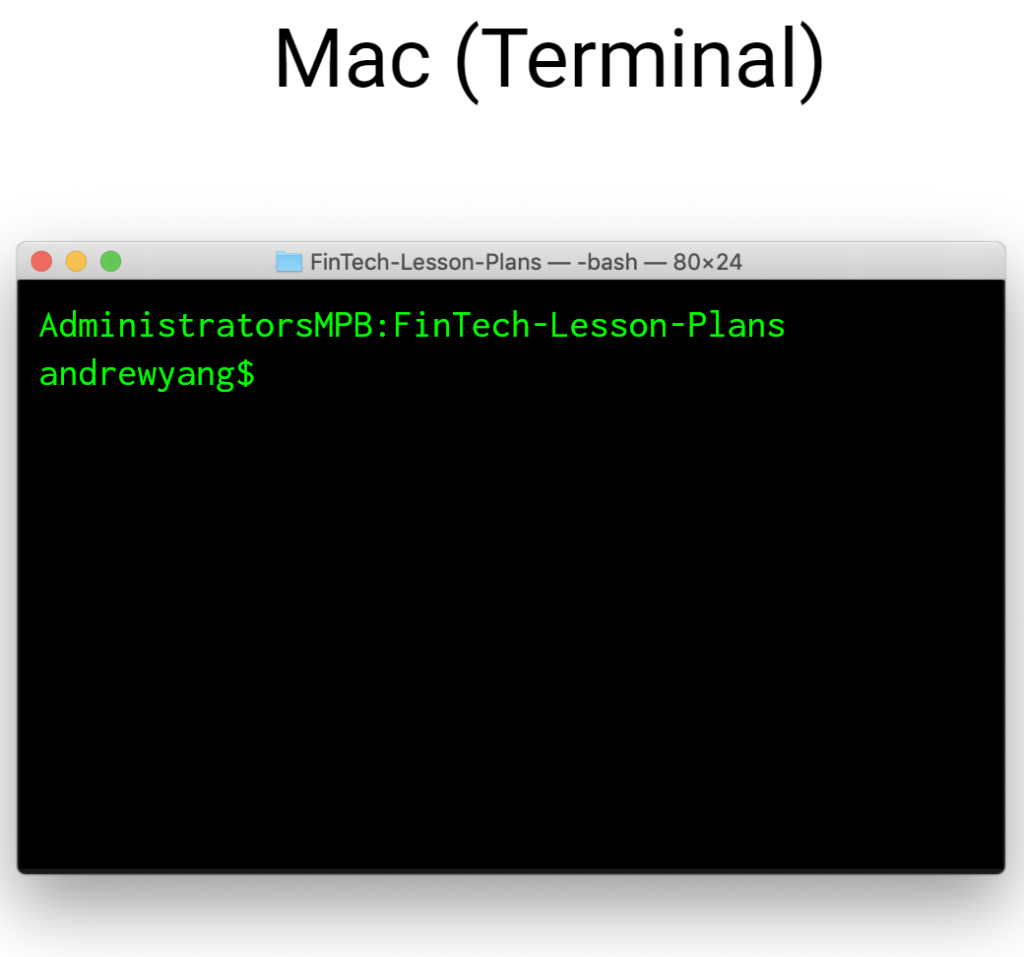
A command line interface (CLI), or terminal, allows a user to execute and automate commands without the need for a graphical user interface (GUI).
File System Operations
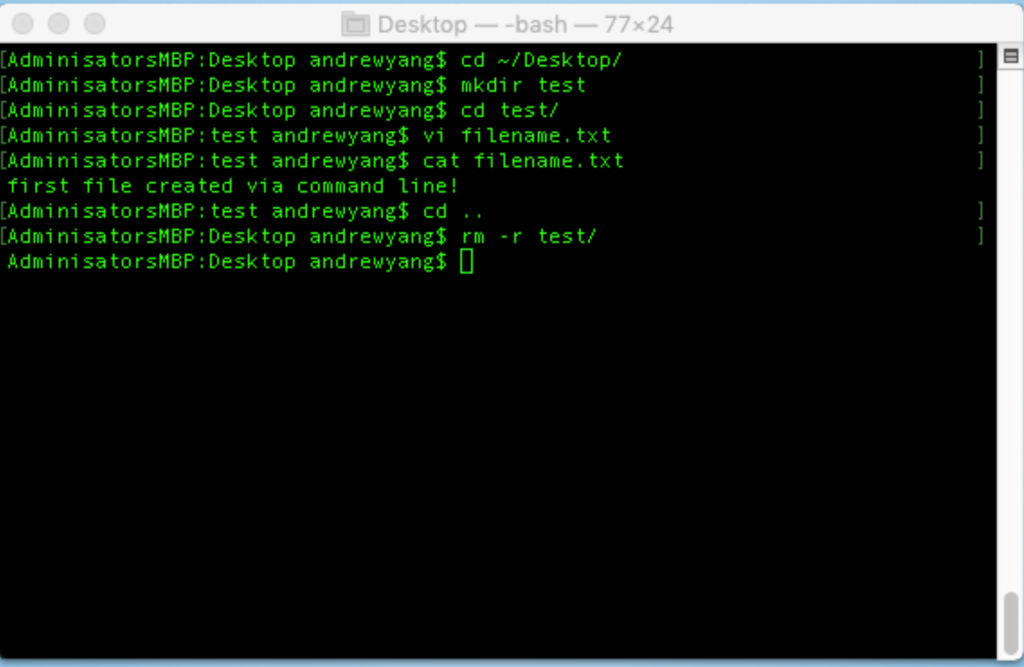
| mkdir | creates folder directories |
| cd | navigates into specified folder directories |
| touch | creates an empty file |
| cat | reads files and outputs the results to the console |
| code | open files in VS Code |
| cd | navigates up one level |
| cp | copies files from source to target |
| rm -r | recursively deletes all files in a folder (that may have subfolders) |
| mv | moves files from source to target; can also be used to rename a file |
| ls | lists the contents of the current directory |
Version Control and GitHub
Version control systems are software that help you track changes you make in your code over time. As you edit your code, you tell the version control system to take a snapshot of your files. The version control system saves that snapshot permanently so you can recall it later if you need it.
Git is a version control system. For our class, we will be using GitHub as the hosting service for our git repositories.
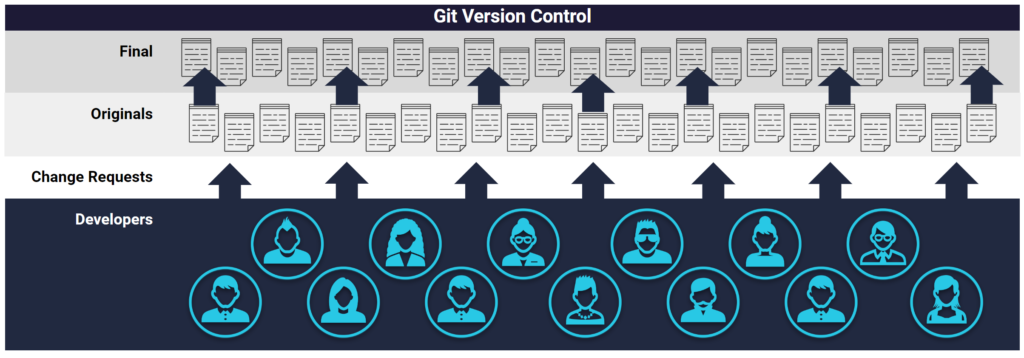
GitHub offers a centralized location where developers can push and pull (upload and download) their code; GitHub always holds the most up-to-date code and files and handles everyone’s updates appropriately.
GitHub Version Control
- Modern development is highly collaborative.
- Teams are often extremely large and spread out across the country or world.
- Apps are sometimes made up of hundreds or even thousands of files.
Git thinks of project history as a series of snapshots or checkpoints. The git term for this is commits. When you’re ready to save your work, you can “make a commit, “commit your files,” or just “commit.” These are all terms for the same action. Think of this as taking a snapshot of your entire project, aka repository.
In the future, you can always go back to previous commits, no matter what you’ve done to your code in the meantime.


